
Ad labels, keywords, and author rules never touch an API.
JINGLIU · AI FEED FILTER
Quiet the feed.
Keep the signal.
Jingliu filters feeds by your rules. Ads, keywords, and author lists stay in your browser. Only uncertain public posts go to the Jev provider you choose.
v0.6.0 · MIT licensed · X first, more platforms next
LIVE FILTERAuto filtering on
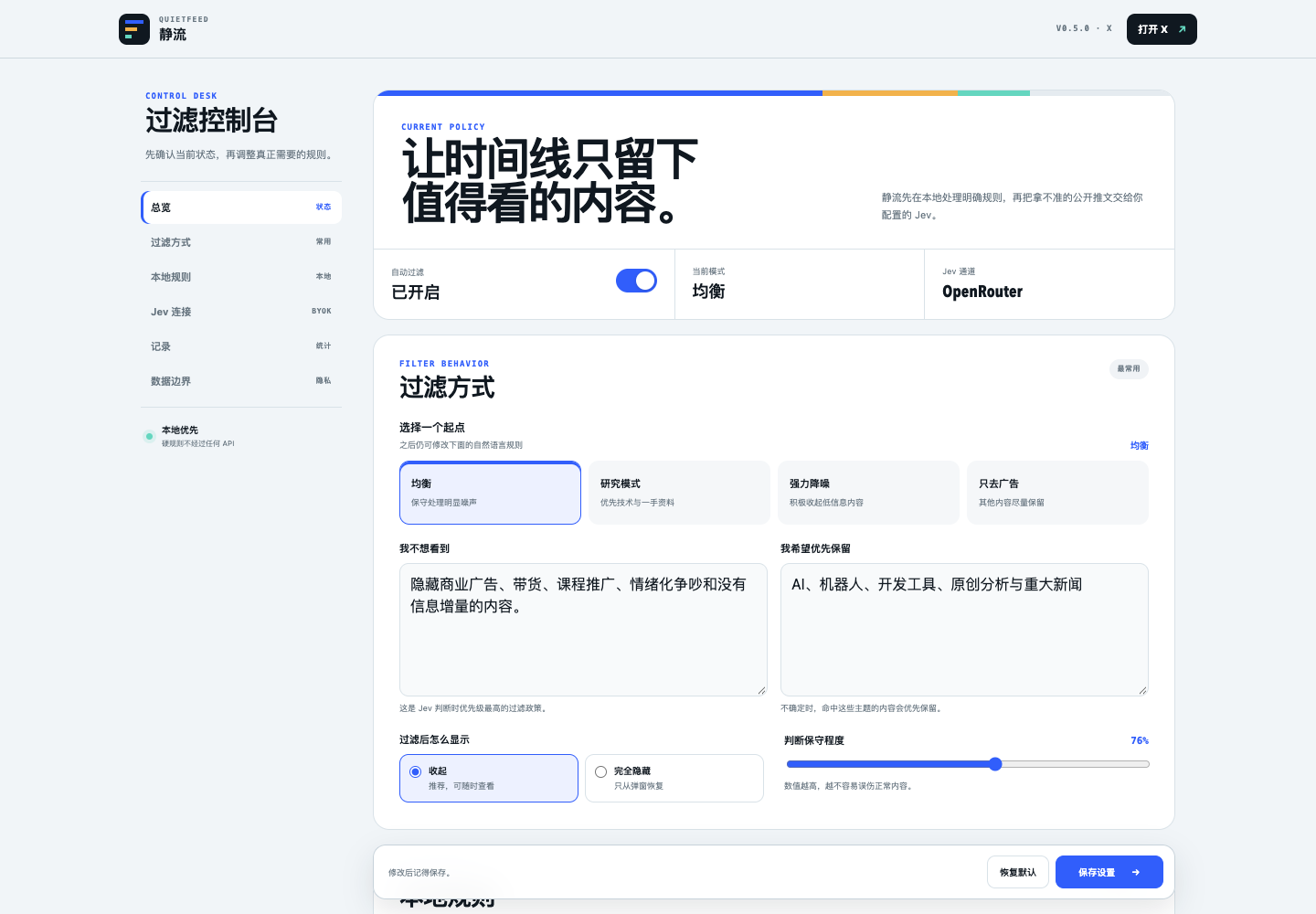
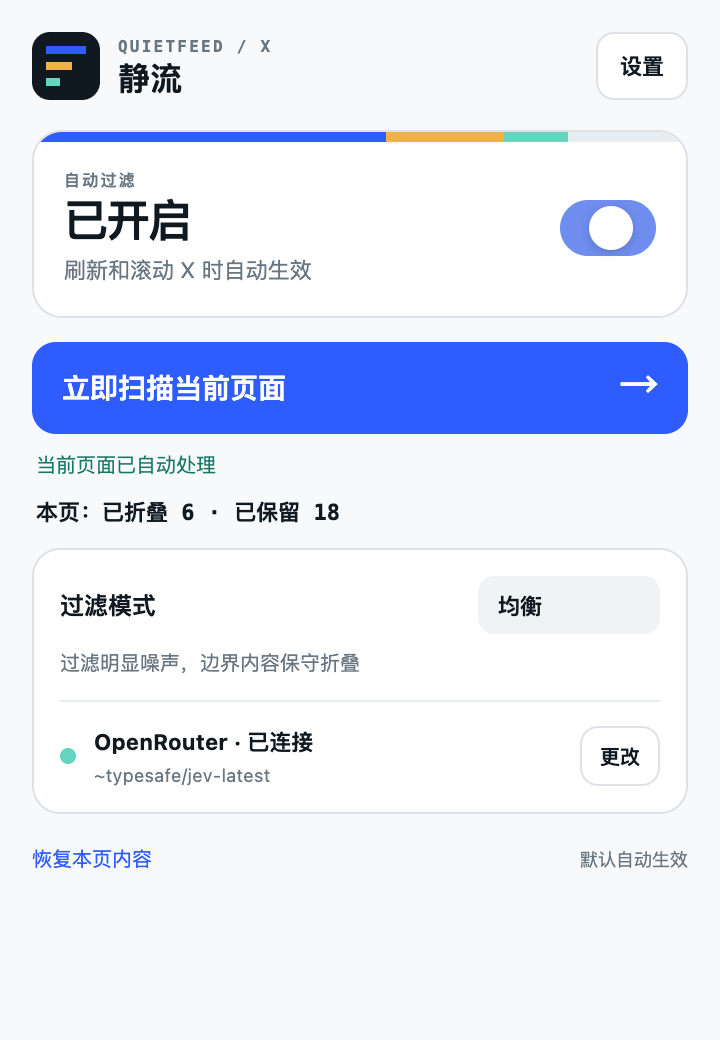
Connect TypeSafe, OpenRouter, or a compatible endpoint.
Content is collapsed by default, never silently deleted.
NO JINGLIU SERVER
Your feed does not
pass through us.
Jingliu reads only public posts already loaded on the current page.
Local rules→
Clear ad, keyword, allowlist, and blocklist decisions happen on your device.
Uncertain only→
The browser talks directly to the provider or endpoint you configured.
The website only serves pages and downloads.
No account, hosted keys, or Jev proxy. X is the first adapter; Reddit, YouTube, and LinkedIn are on the roadmap.
QUIET BY DESIGN
Filtering happens
without breaking flow.
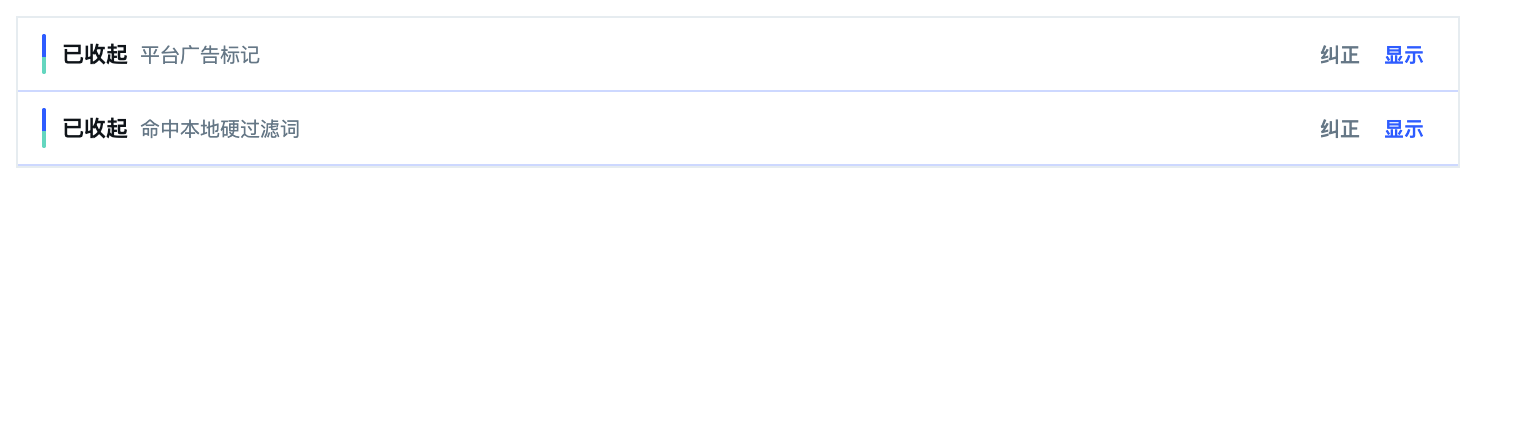
Unwanted posts become a compact line with a reason. New posts are handled while you scroll, and every decision can be opened or corrected.
INSTALL THE BETA
Ready in three minutes.
This is a developer beta. Until Jingliu is listed in the Chrome Web Store, Chrome requires you to download the ZIP and load the extracted folder in Developer mode.
Chrome distribution documentation ↗- 1Download and extract
Download the beta ZIP and extract the folder containing
manifest.json. - 2Open extension management
Enter
chrome://extensionsin Chrome and turn on Developer mode. - 3Load the folder
Click Load unpacked and select the extracted Jingliu folder.
- 4Refresh X
Open or refresh X. Jingliu starts filtering automatically.
A Chrome Web Store release is in preparation. Once approved, this button can become one-click installation with automatic updates.
DATA BOUNDARY
Know what stays
on your device.
Public post text, authors, and platform labels already loaded on the current X page.
Direct messages, passwords, cookies, form input, or unopened history.
Only uncertain public content, directly to the Jev service you configured.
Rules, API key, counters, and corrections that do not contain post text.
YOUR FEED, YOUR RULES